Veeb MotionAI motion graphics and animation generator
What will you animate?
Motion makes motion graphics from a sentence. Say what you need and Veeb writes the script scene by scene, designs the type and the colour, animates it to the music and checks every frame before it renders.
Veeb Motion
What it does
Designed, not templated
Every piece gets its own palette, type pairing and motion language, so no two look alike.
Timed to the beat
Scenes, words and cuts land on the music and the narration, word by word.
Checked frame by frame
Every word is legible, nothing is cut off and every scene lasts what it should, before it renders.
Change one scene
Edit a scene’s words in a click and only that scene renders again.
Veeb Motion
How it works
Describe it
A sentence, your brand colours, a song or a voice-over.
Veeb designs it
The script, the look and the animation, scene by scene.
Render and share
16:9, 9:16, 1:1 or 4:5, ready for every screen.
Made for
- Explainer videos
- Launch videos
- Lyric videos
- Animated logos
- Kinetic typography
- Social posts
- Data stories
- Titles
Questions
Do I need to know motion design?
No. You describe what you want; Veeb writes the script, designs it and animates it.
Which formats can I export?
MP4 in 16:9, 9:16, 1:1 and 4:5, for every screen and social network.
Can I use my own music or voice?
Yes. Attach a song or a voice-over and the animation follows it, or let Veeb Music and Veeb Voice make them.
How is it priced?
Each piece is priced in Veeb Coins by quality, shown before you create.
The rest of the studio
Veeb Agent
What will you create?
All-in-one AI agent

Veeb Vision
What will you imagine?
AI image generator and photo editor
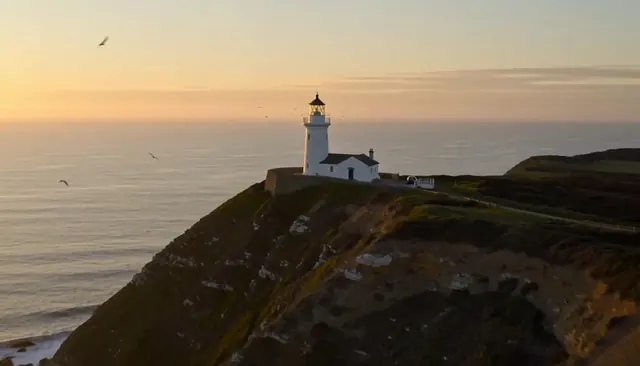
Veeb Video
What will you direct?
AI video generator

Veeb Edit
What will you transform?
AI video editor
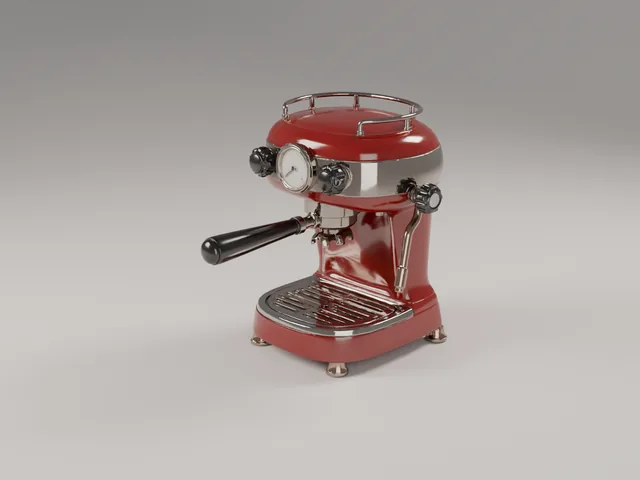
Veeb 3D
What will you model?
AI 3D model generator
Veeb Music
What will you compose?
AI music platform
Veeb Voice
What will you say?
AI voice generator, text to speech and voice cloning

Veeb Sites
What will you publish?
AI website builder
Veeb TV
What will you watch?
Free live TV online
Veeb Labs
What will you discover?
AI data analysis lab
What will you animate?
Open Veeb Motion