
How to Create YouTube Thumbnails with AI That Boost Your CTR in Seconds
You just spent 15 hours editing a video, and now you are staring at a blank Photoshop canvas. You know the thumbnail dictates whether anyone actually clicks your video, but you are exhausted, out of ideas, and out of time.
If your thumbnail doesn’t grab attention in the first 0.5 seconds on a crowded mobile screen, the algorithm buries your video. It doesn’t matter how good the content is.
Historically, creating a viral thumbnail meant paying an expensive designer or spending hours cutting out faces, tweaking neon glows, and adjusting contrast curves. Today, you can bypass all of that. Let’s break down how to create high-converting YouTube thumbnails with AI that actually drive clicks, without needing a degree in graphic design.
Why Generic AI Generators Fail at Thumbnails
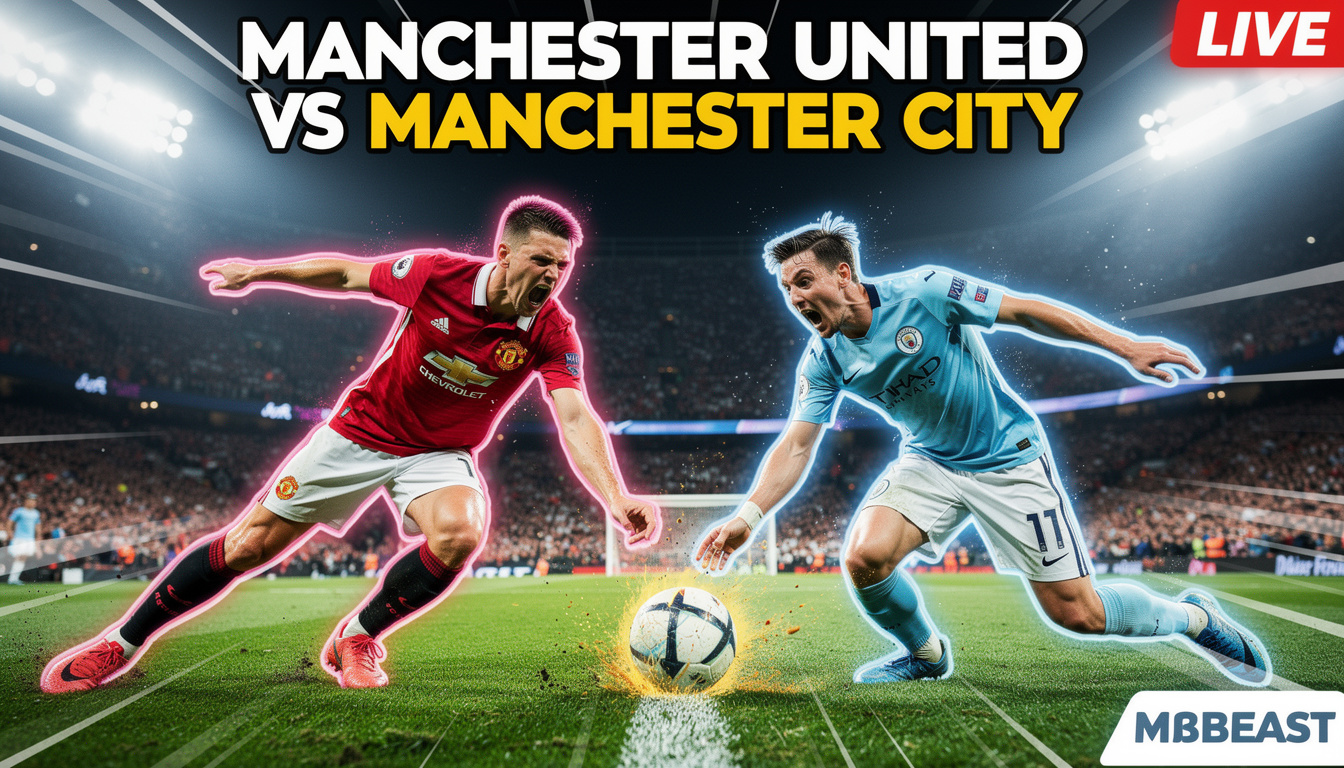
A thumbnail that gets clicks relies on three psychological triggers: hyper-expressive faces, high-contrast backgrounds, and a clear focal point.
If you use a generic AI generator like Midjourney or DALL-E 3, you usually get messy, cluttered square images. To make them look like a YouTube thumbnail, you have to write massive, complex prompts asking for “rim lighting, high saturation, emotional face, bold contrast, 85mm lens,” and then you still have to crop it.
Veeb Vision eliminates this headache entirely. Powered by the Vision Engine v3.0, the platform features 21 curated aesthetic frameworks, including one built specifically for content creators: the “YouTube Thumbnail” style.
The Game Changer: Veeb Vision’s “YouTube Thumbnail” Style
Instead of writing a paragraph of instructions, you simply select the “YouTube Thumbnail” framework from the Veeb Vision dashboard.
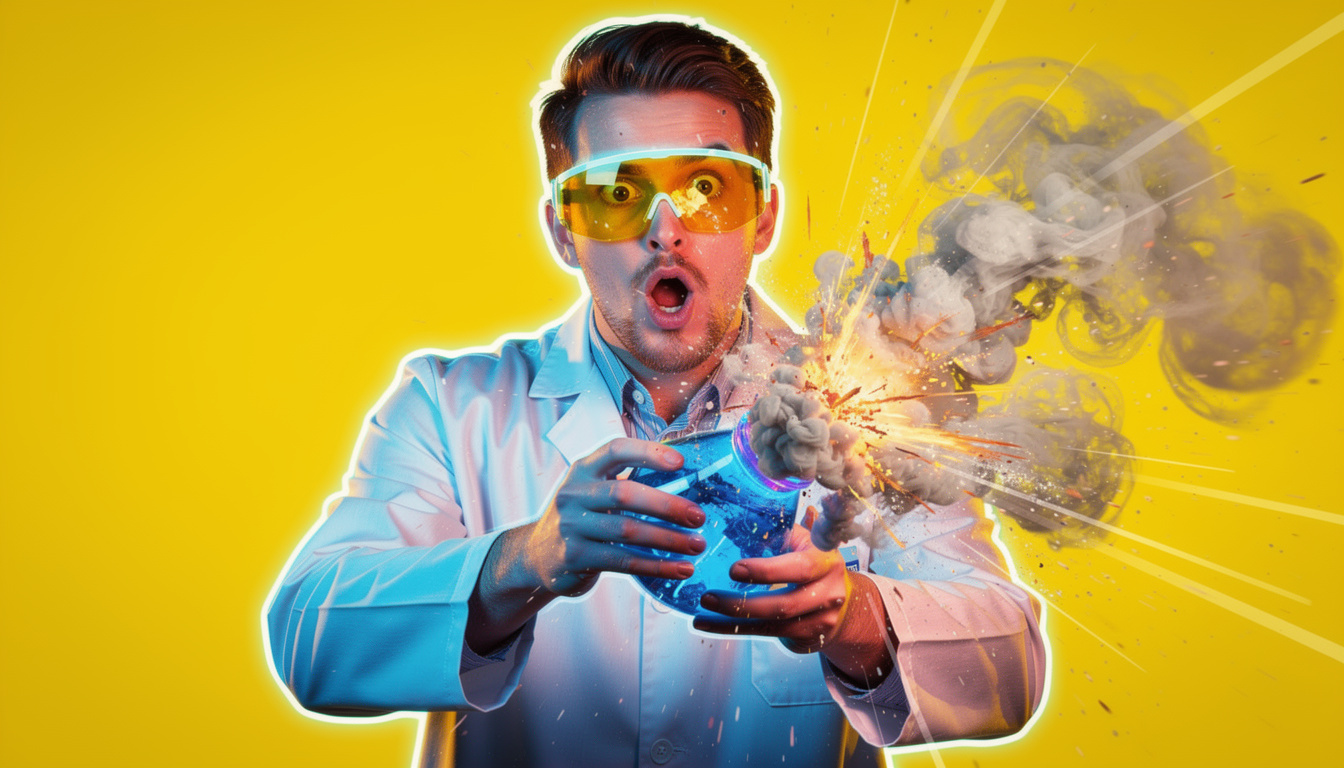
This pre-configured neural parameter automatically instructs the AI to apply the “viral aesthetic.” It natively injects high-contrast lighting, vibrant color grading, and hyper-expressive focal points into your image. Combined with the engine’s native 16:9 Widescreen parameter, you get a perfectly framed, upload-ready thumbnail in seconds.
👉 Stop struggling with complex prompts. Select the “YouTube Thumbnail” style in Veeb Vision and generate your next cover in seconds.
3 Simple Copy-Paste Prompts for Viral Thumbnails
Because the “YouTube Thumbnail” style handles the heavy lifting (lighting, contrast, and layout), your prompts can be incredibly simple. Here are three examples you can use right now.
1. The “Tech Review / Gaming” Neon Hook
This relies on glowing elements to stand out against the dark mode UI of the YouTube app.
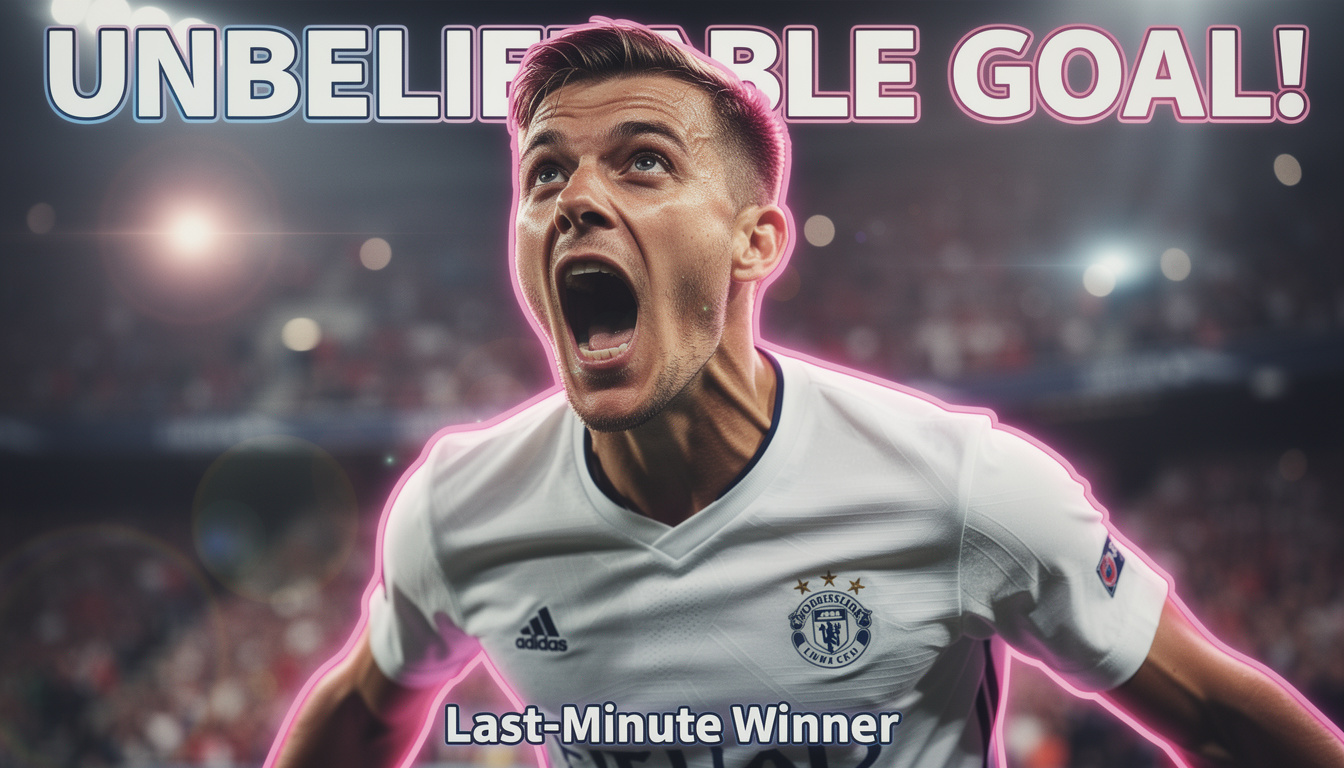
2. The “Dark Documentary / Finance” Cover
Documentary and finance channels thrive on mystery and authority.
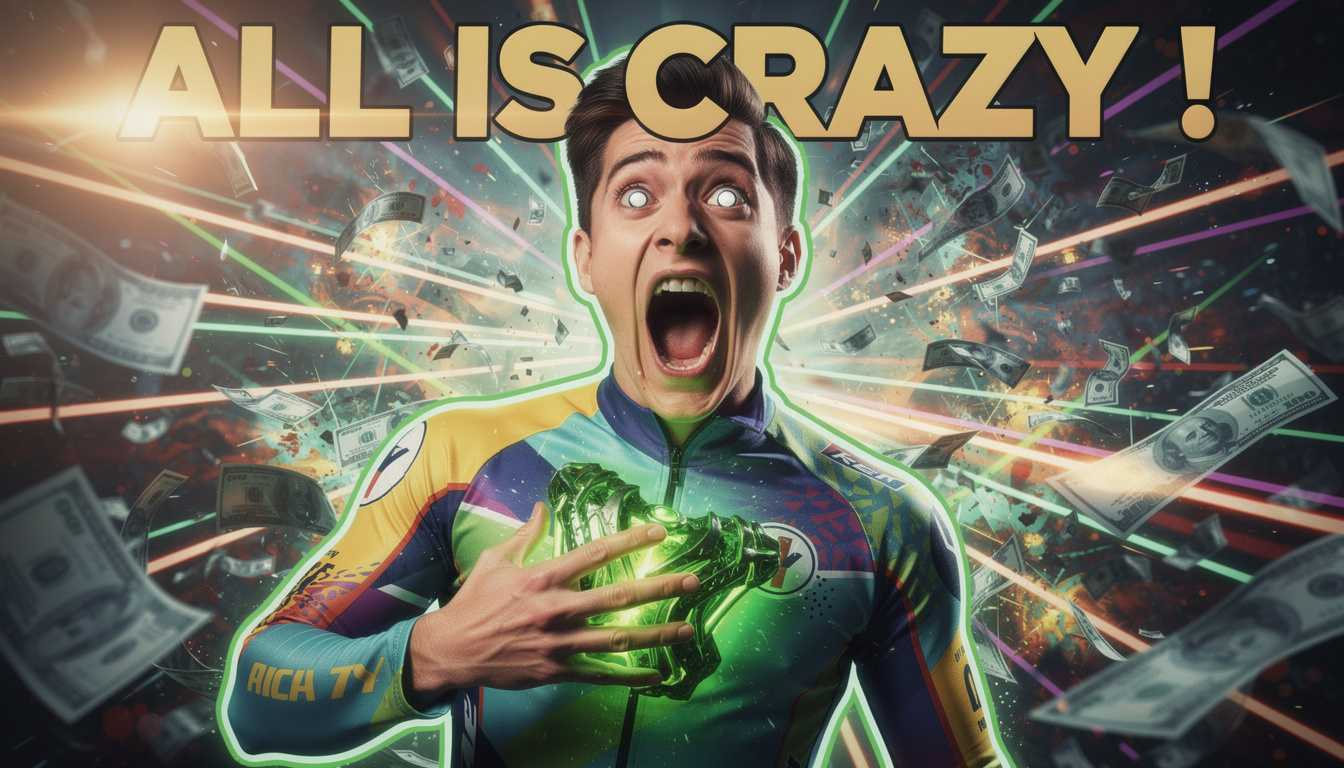
3. The “Vlog / Travel” High-Energy Shot
Travel vlogs need bright, inviting, and slightly exaggerated colors to win the click.

Keep Your Own Face on the Thumbnail (Character References)
If you run a faceless channel, generating random expressive faces is fine. But if you are the face of your brand, you cannot use a random AI-generated person on your cover.

This is where Veeb Vision separates itself from basic generators. Using the Character Reference architecture, you can upload a photo of your own face. The algorithm mathematically locks your facial identity. You can then prompt the engine to put you in a space suit, standing on a mountain, or reacting to an explosion, and the AI will generate the thumbnail keeping your exact likeness flawlessly consistent.
Stop Wasting Time on Thumbnails
Your job is to make great videos, not to fight with complex photo editing software or struggle with generic AI bots that don’t understand YouTube’s visual language.
By using a professional visual synthesis platform with a dedicated thumbnail framework, you can conceptualize and render a viral cover before your video even finishes exporting. Launch Veeb Vision, select the YouTube Thumbnail style, and demand the click.