
How to Generate Consistent AI Characters Across Images (2026 Guide)
If you are a content creator, designer, or art director, you have likely encountered the biggest headache in generative artificial intelligence: the “consistency deficit.”
You spend hours perfecting a prompt until the AI finally gives you the perfect protagonist. They have the exact look, facial structure, and style you envisioned. But when you try to prompt that exact same character running in the rain or sitting in a neon-lit cafe, the AI hands you a complete stranger. Getting an ai image same character different scenes setup feels like an impossible task.
This lack of control makes creating comic books, maintaining a brand mascot, or designing multi-image advertising campaigns completely unviable with standard tools. You cannot build a narrative if your lead actor changes their face in every single shot.
In this comprehensive guide, we will break down exactly why this visual drift happens and how modern consistent ai character generation is solving this problem natively in 2026.
The “Consistency Deficit”: Why Normal Generators Fail
To understand the solution, you first have to understand the technical problem. Popular generators like DALL-E 3, basic Stable Diffusion, or Midjourney use diffusion models that interpret your text prompt slightly differently with every single generation (or seed).
When you ask the AI for “a woman with red hair and freckles,” the model assembles that image based on millions of statistical references, not a fixed 3D mesh. Because there is no real geometric anchor, the subject’s identity “drifts” with every new prompt. You end up with characters that look like distant cousins, but they are never the exact same person.
(If you are tired of fighting with complex parameters and rolling the dice on Discord to fix this, you can read our guide on finding a true Midjourney alternative.)
The Solution: Character Reference Architecture
To achieve true ai character consistency across images, you need a platform that doesn’t just read text—it needs to understand biometrics.
This is where Veeb Vision completely changes the workflow. Instead of relying on endless, paragraph-long text descriptions, Veeb Vision utilizes an advanced Character Reference Architecture. As a dedicated character reference ai image generator, the engine allows you to upload a baseline image. From there, the algorithm mathematically anchors the facial geometry and key structural characteristics of your subject.
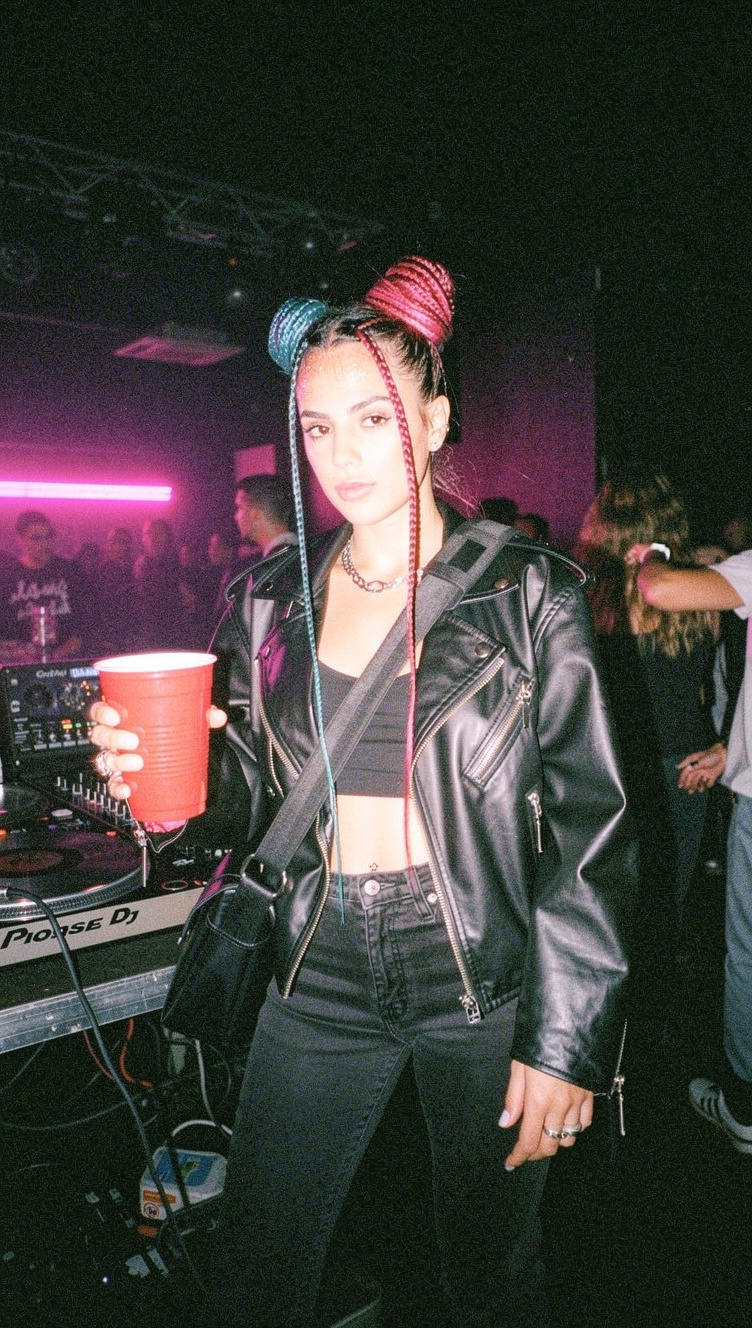
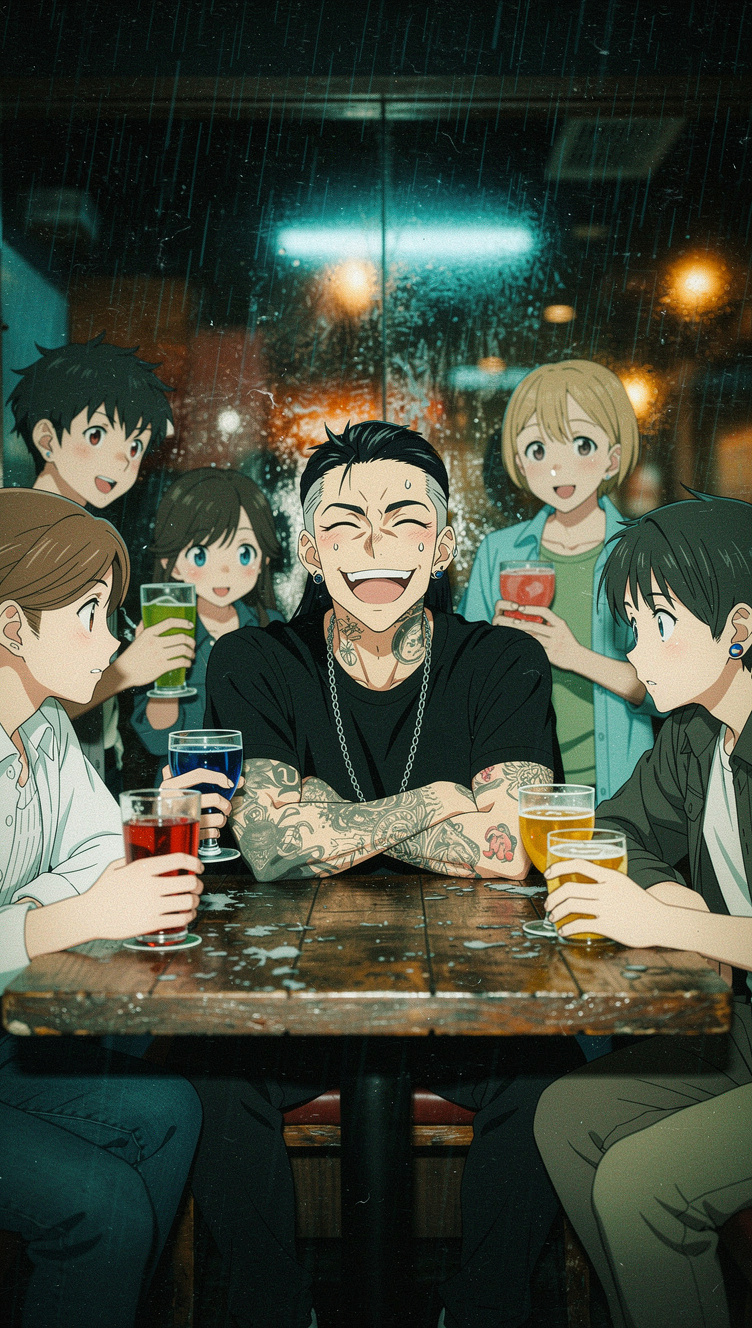
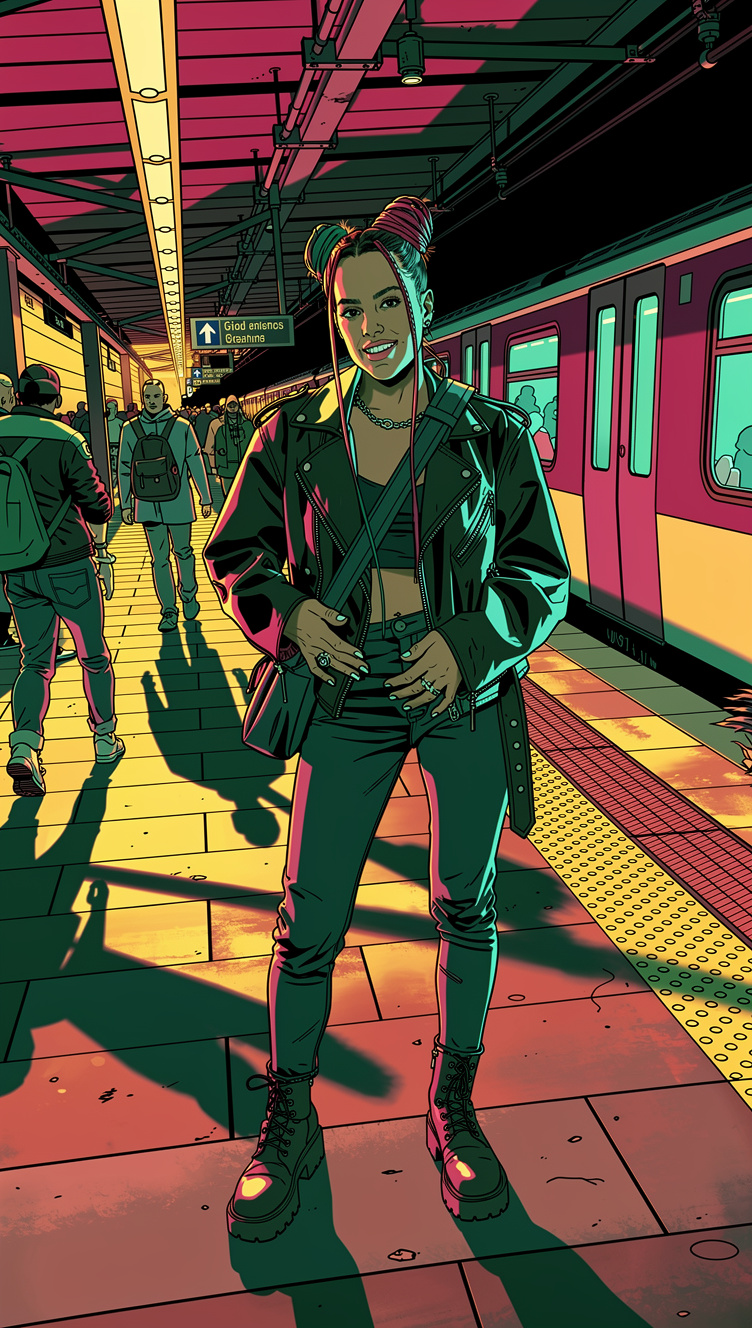
The result? You can change the pose, the background environment, the lighting, or the clothing, and your character’s structural identity remains flawless and 100% recognizable.
Step-by-Step Guide: How to Maintain Character Consistency
Integrating an ai model consistency tool into your daily workflow is easier than you might think. Here is the exact step-by-step process using Veeb Vision to lock in your character.
1. Create the Base Seed
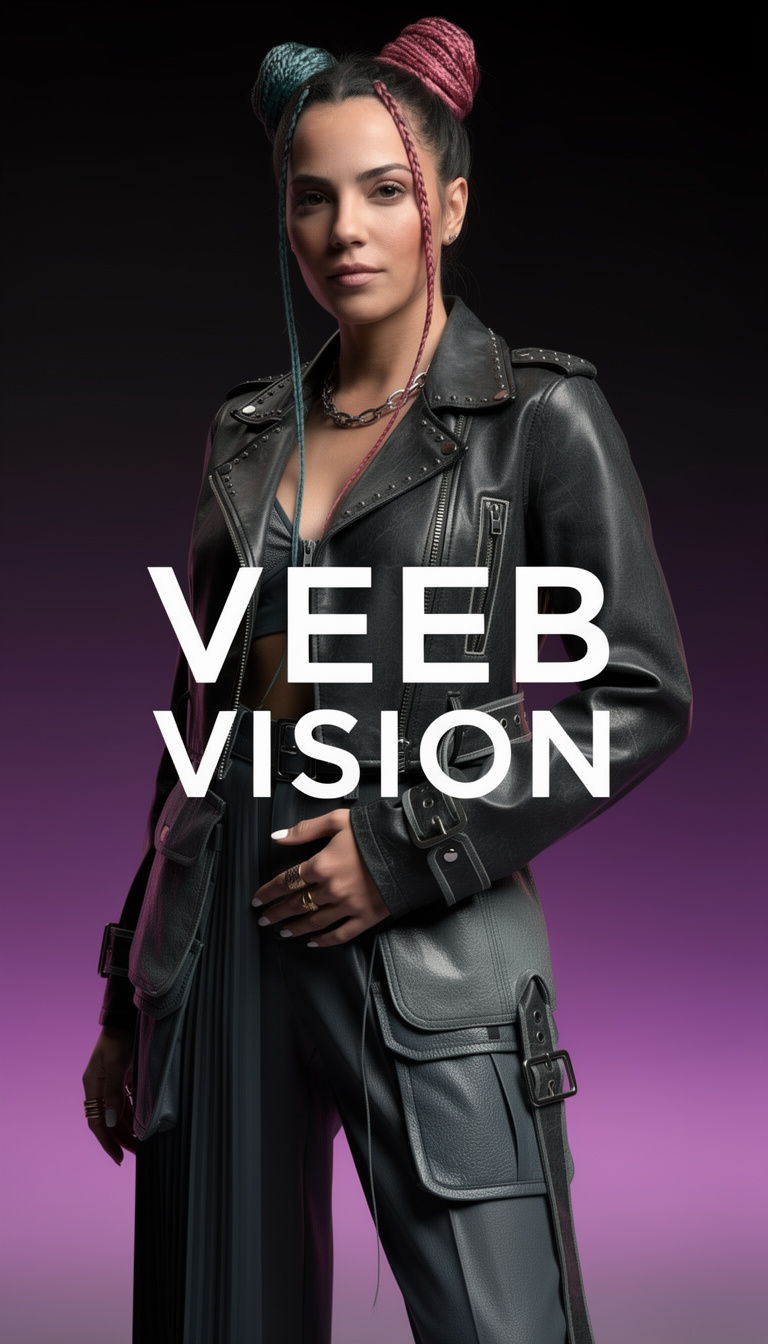
First, you need your origin image (the “seed”). Use Veeb Vision to generate a clear, front-facing portrait of your character. We highly recommend using the “Raw Reality” aesthetic framework to ensure perfect anatomical proportions and hyper-realistic lighting for your baseline.
2. Upload to the Reference Engine
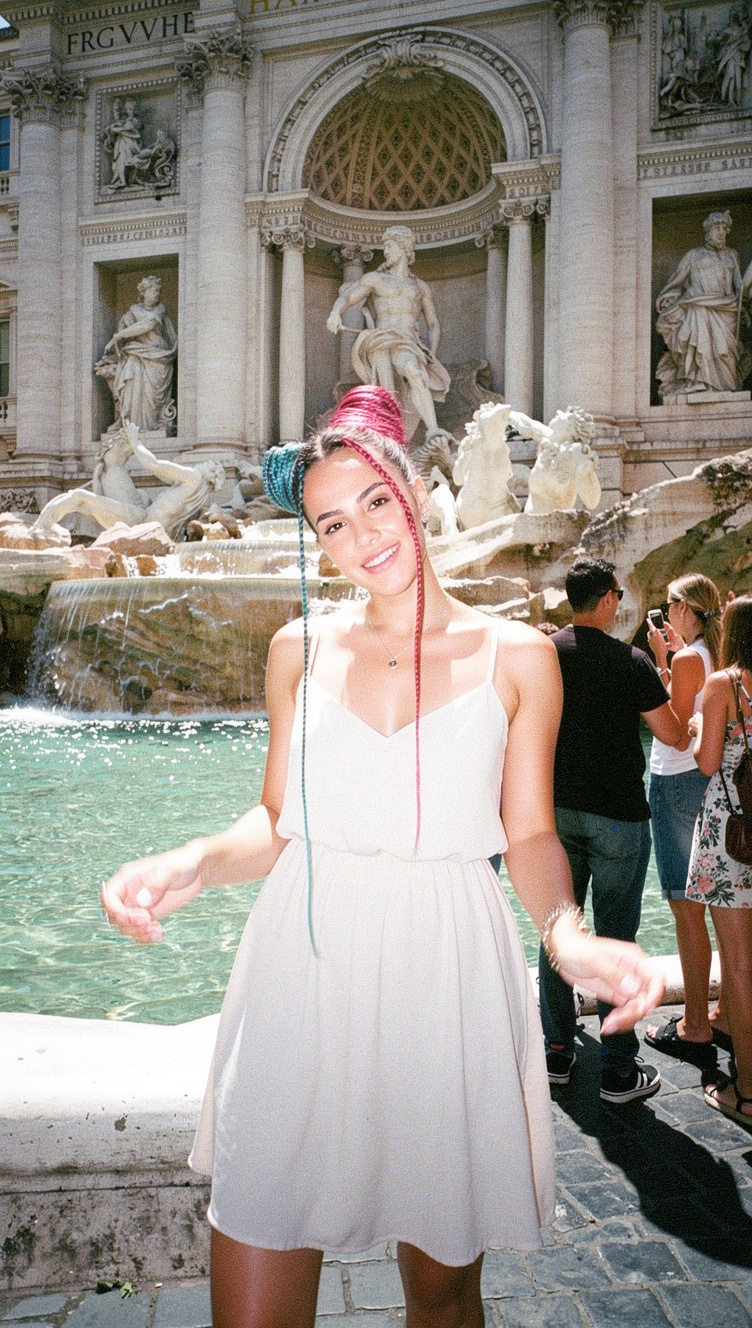
Once you have the perfect portrait, download it and upload it directly into the Veeb Vision dashboard under the Character Reference section. By doing this, you are telling the rendering engine: “Ignore your random variations; this is the exact bone structure and identity you must use from now on.”
3. Dial in the “Strength” Parameter
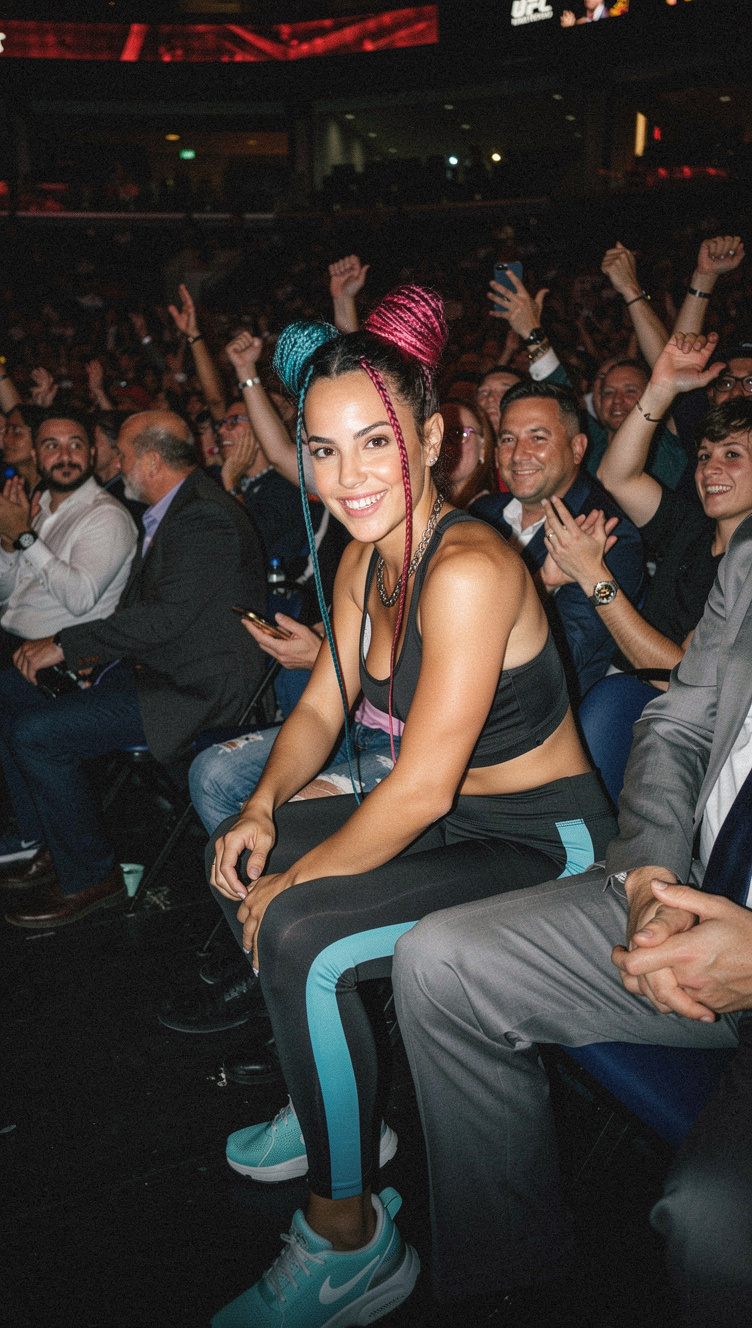
This is the secret weapon used by professionals. The “Strength” parameter dictates exactly how strictly the AI should adhere to your reference image. A value of 0.65 is the recommended sweet spot: it is high enough to lock in the exact face of your character, but flexible enough to allow the AI to change their facial expression or adapt the shadows to a brand new environment.
4. Generate Variations (Same Character, Different Scenes)
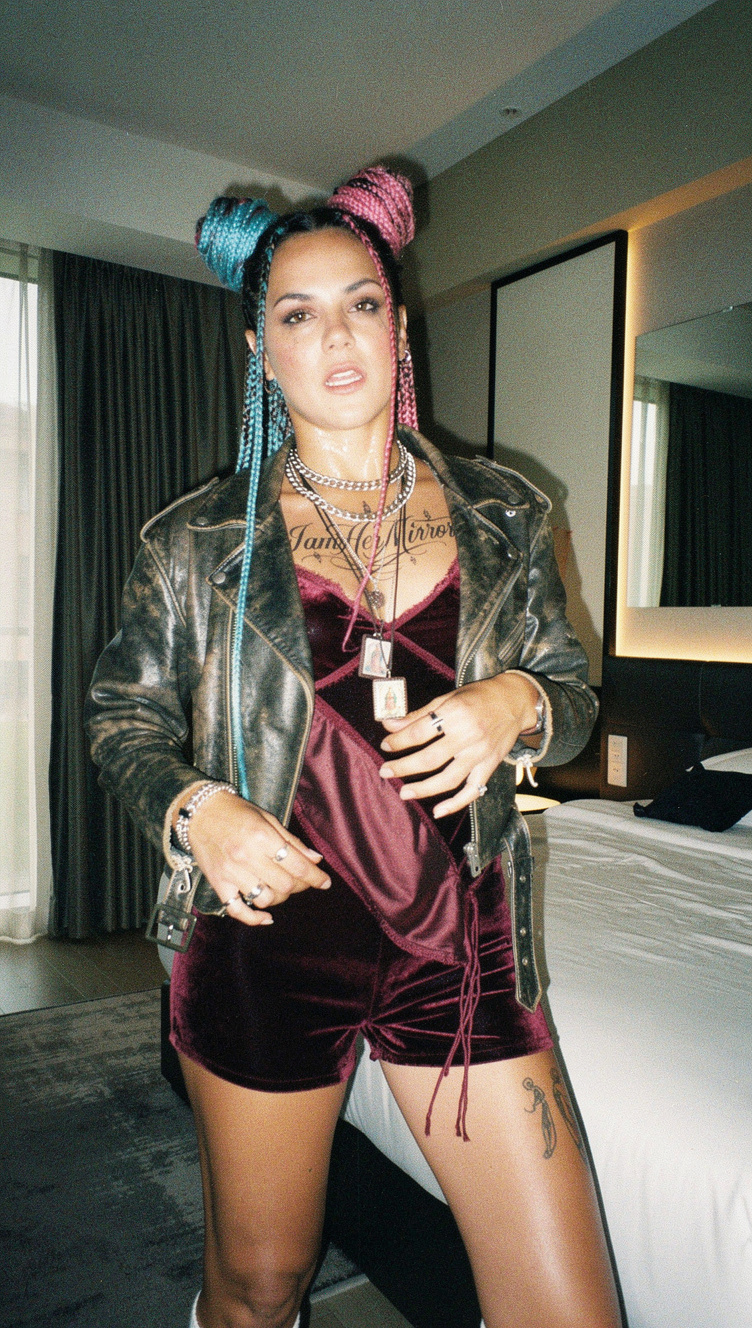
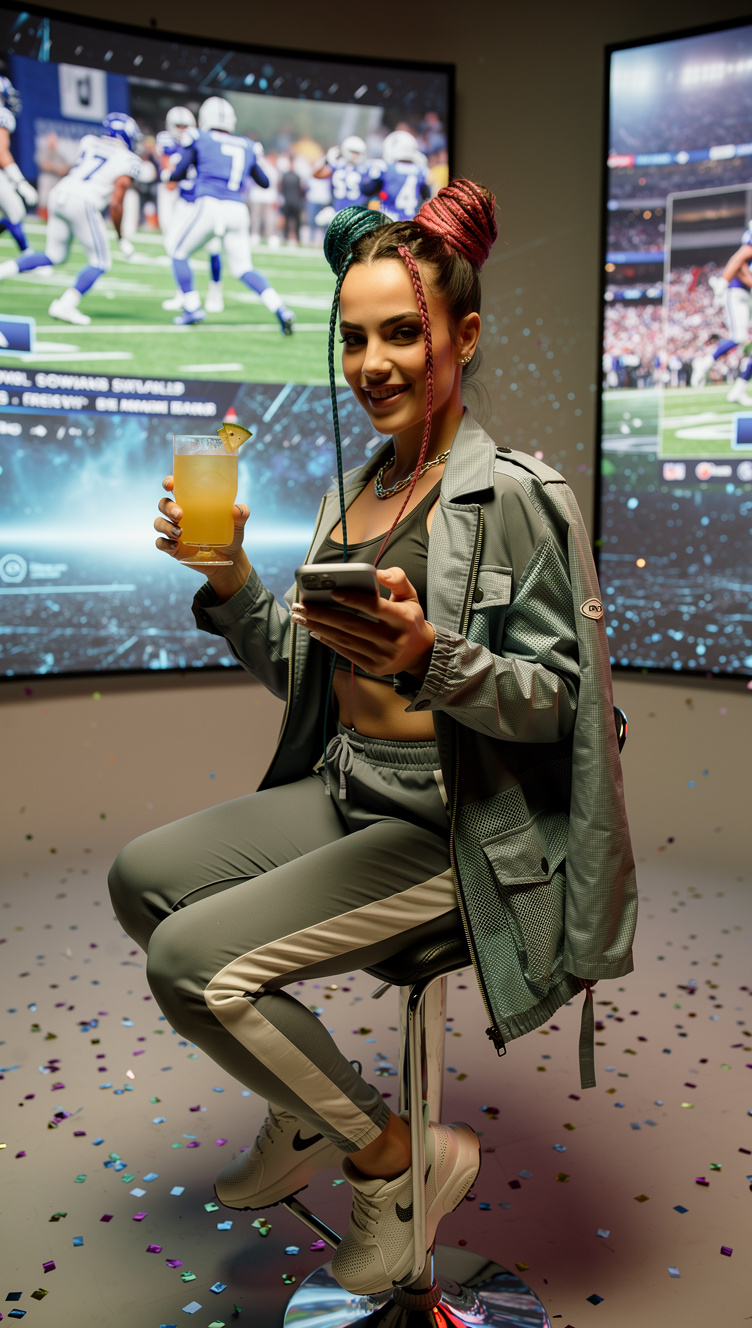
Now, simply write your new prompt. For example: “Character sitting inside a cyberpunk spaceship, blue neon lighting, looking out the window.” The engine will take your text prompt, read your structural reference, and render the perfect scene while keeping the identity completely intact.

5. Export for Commercial Use
Once your series of images is generated, export them in ultra-high resolution (up to 4MP) with the peace of mind that Veeb Vision grants you 100% commercial rights over your creations.
Real-World Use Cases for Professional Creators
Mastering consistent character generation unlocks entire industries that previously could not rely on generative AI:
- A) Multi-Platform Brand Mascots: Create a “virtual influencer” or brand ambassador and generate them interacting with your products on Instagram, web banners, and newsletters, always maintaining the exact same face.
- B) Comics and Graphic Novels: Maintain the visual coherence of your protagonists across hundreds of panels, regardless of the camera angle or the action they are performing.
- C) Multi-Piece Ad Campaigns: Use the same AI model in summer, winter, indoor, and outdoor scenarios without having to organize expensive physical photoshoots.
- D) Corporate Avatars: Generate a consistent virtual spokesperson for all your company’s pitch decks and presentations.
Advanced Tips for Flawless Results
To truly master this technique, follow these two golden rules in your workflow:
- Aspect Ratio Strategy: Generate your base reference image in a 1:1 (Square) format. This gives the AI a perfectly centered, symmetrical facial map to study. Then, for your final production images (like YouTube thumbnails or website headers), set your output to 16:9 (Widescreen).
- Lighting and Background: Your base image should have even, flat frontal lighting and a neutral background. If your base image has highly dramatic, harsh shadows, the AI will try to force those shadows into your new scenes, ruining the environmental integration. (Pro-tip: If you need professional, pre-rendered backgrounds to composite your characters into later, explore our massive 8K library at Veeb Stock).
2026 Consistency Comparison: Veeb Vision vs The Rest
How does Veeb Vision’s native feature stack up against the manual workarounds used by competitors?
| Platform / Tool | Consistency Method | Workflow Complexity | Visual Results |
|---|---|---|---|
| Veeb Vision (Character Ref) | Native biometric anchoring (1-click) | Very Low (Just upload image) | Excellent (Locks geometry & traits) |
| Stable Diffusion (ControlNet) | Depth maps and OpenPose | Very High (Requires technical nodes) | Very Good (But slow and highly technical) |
| Midjourney (–cref) | Text parameters in Discord | Medium / High | Inconsistent (Faces often mutate) |
| DALL-E 3 (Img2Img) | Conversational modification | Low | Poor (Recreates subject from scratch) |
Take Control of Your Narrative
The consistency deficit is no longer an excuse. In 2026, professional creators cannot afford to cross their fingers and hope the AI generates the same face by pure luck.
You need absolute control over your art direction, and the Character Reference Architecture is designed exactly to give you that power without forcing you to write lines of code.
Stop gambling with your brand’s visual identity.